Morning
Scroll to move around the plan
To checkPassCriticalNon-criticalNon-conformanceNot tested
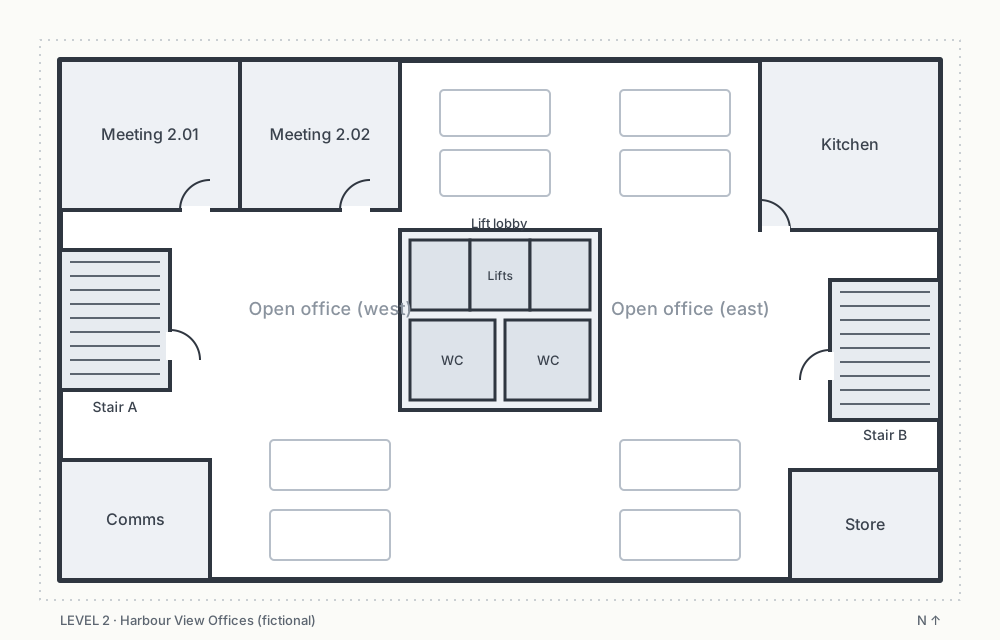
Tap a pin to check that asset.
Scan sticker
Point the camera at the barcode or QR code
My day
What a technician sees on their phone: today's jobs, check in, service every asset on the floorplan or by scanning its sticker, record defects, get the client's signature and finish. It works with no reception.
Try this
- Open 7:00am Harbour View Offices and tap Check in.
- Service assets: open an asset and answer every check (✓ or ✗). Pass only unlocks when all are OK. Try the kitchen CO₂ extinguisher on Level 2 (open defect from last time).
- Tap the scan icon and Simulate a scan. Mark a check as failed to record a defect.
- Switch to Plan to see results on the floorplan.
- Finish service: sign and complete. The report goes to the office to review (or straight to the client if the client is set up that way), and the defects go as a quote.
- Open the schedule or job J-2250 in another tab to watch it update.
Demo controls
Offline, everything saves on the phone. When reception returns it syncs. The office's changes are kept, and the tech's results are added, so nothing is lost (MS-2).
PRD
§5.8 MS-1 to MS-11 · SC-8, SC-11 · QT-1 · PO-7 (requirements/prd-v18.md)